Wakin is the alarm clock that keeps ringing until you get out of bed and finish a task: a few push-ups, a photo of your toothbrush, a math problem.

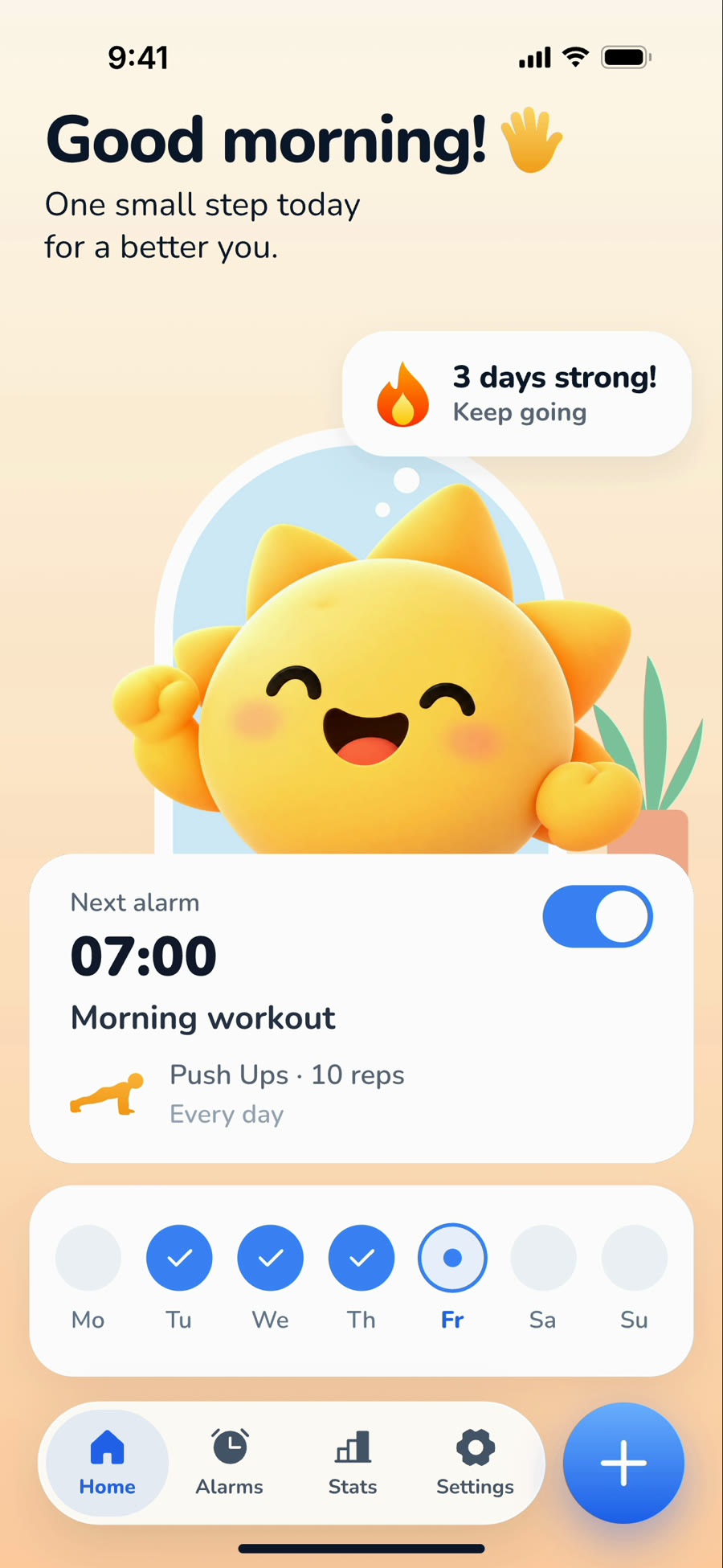

Set it up in 30 seconds. Wake up early tomorrow.
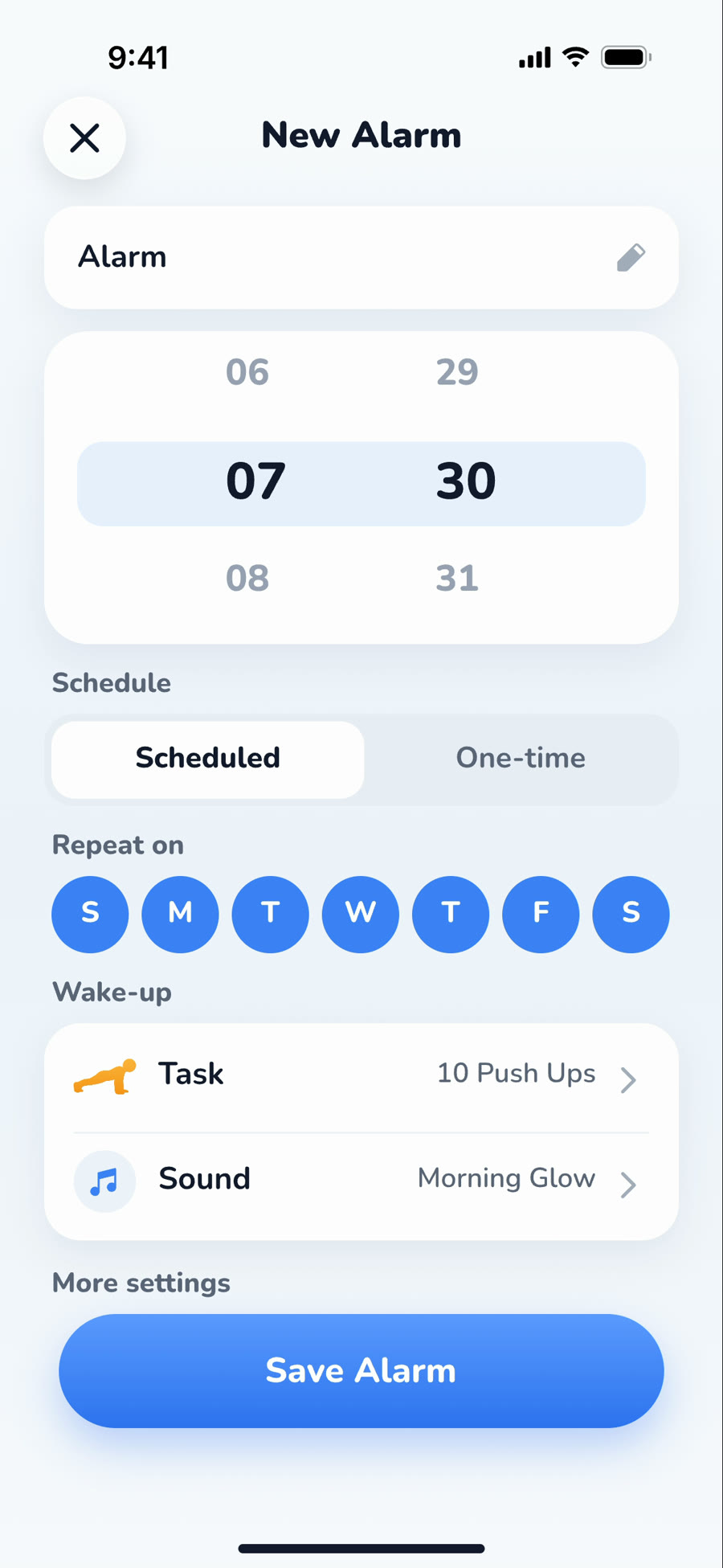
Pick a time and the task that turns it off. Push-ups, a photo, a math problem and more.
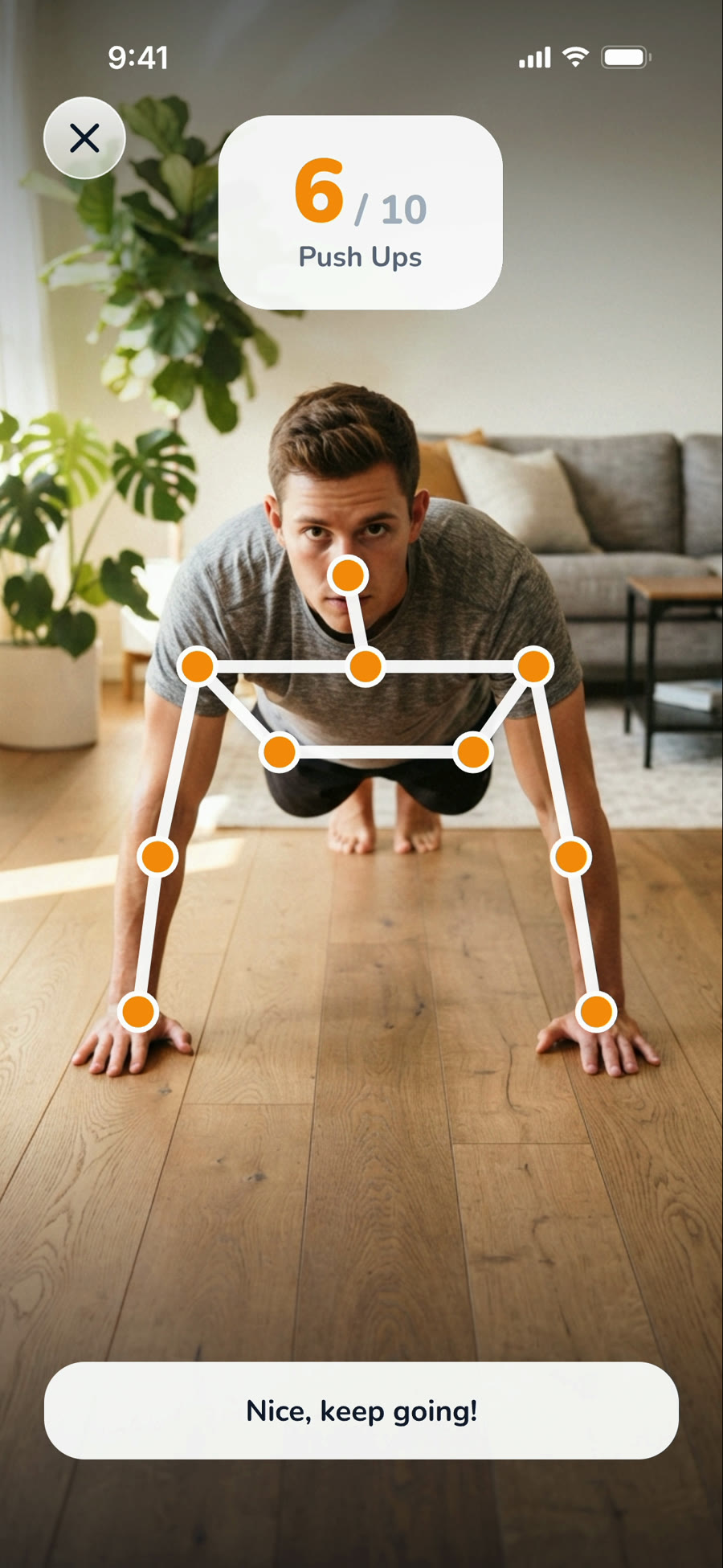
The alarm rings at full volume, even on silent. The only way to stop it is to finish your task.
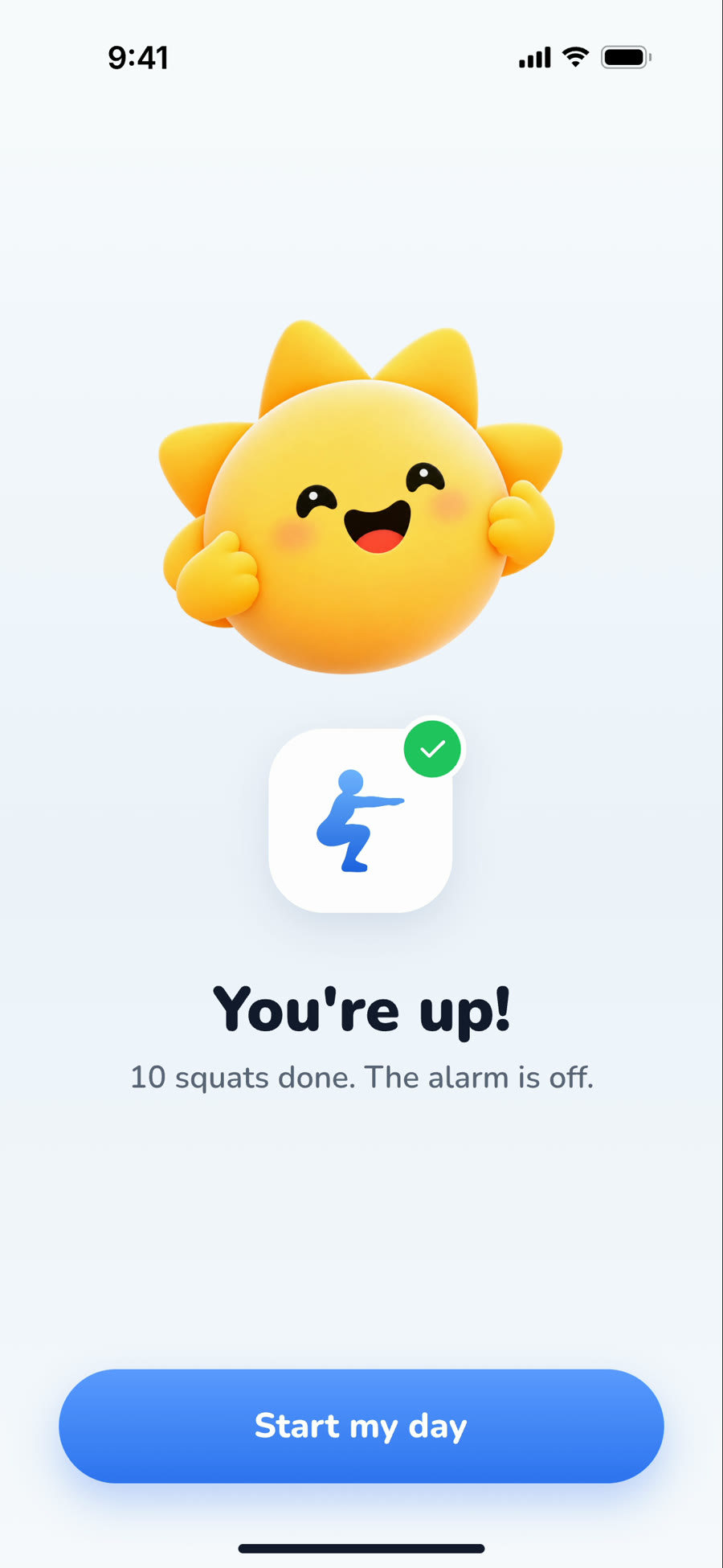
By the time it goes quiet you are out of bed and awake. Your streak grows by one.
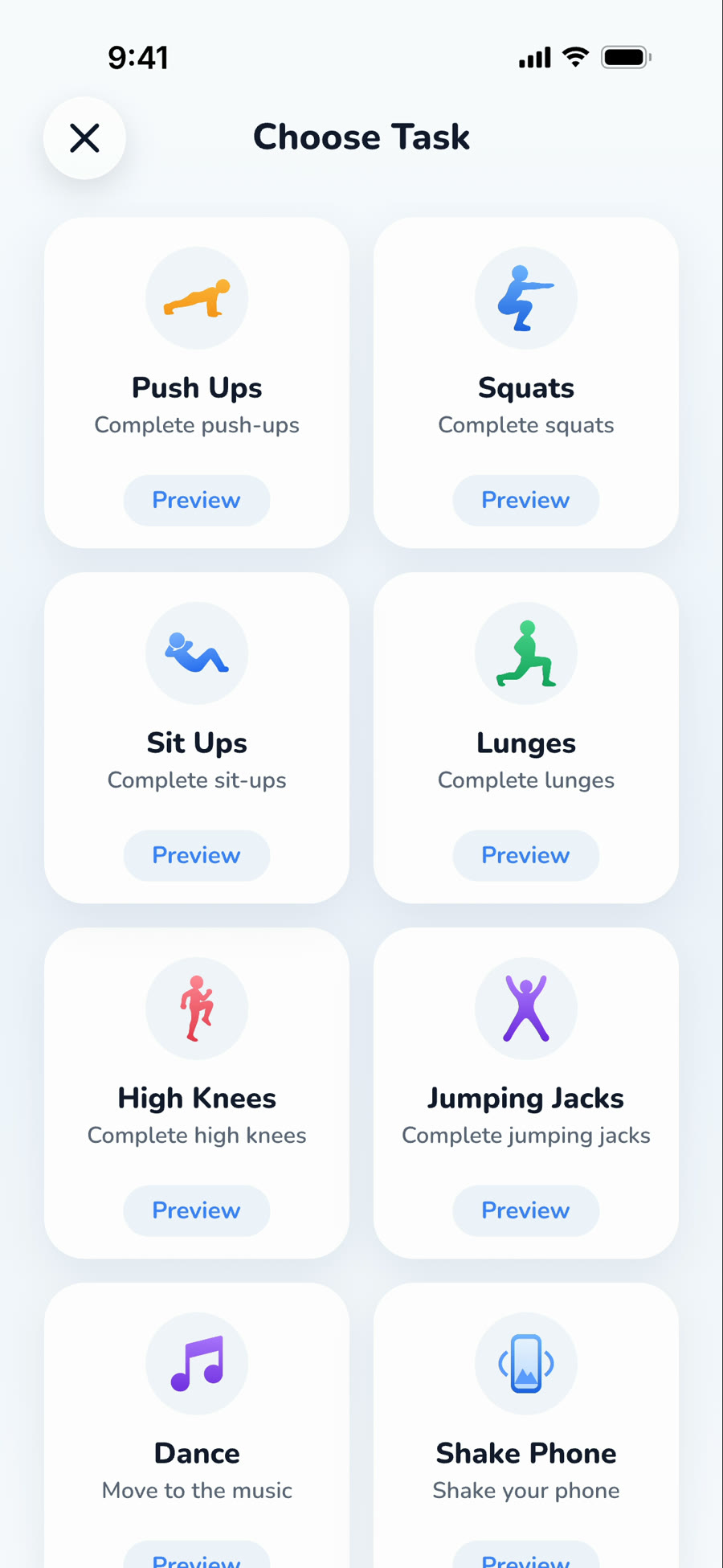
Move your body, snap a photo or wake up your brain. Pick one task per alarm, or let Wakin pick a new one every morning.
 Push Ups
 Squats
 Sit Ups
 Lunges
 Jumping Jacks
 High Knees
 Dance
 Object Hunt
 Make Your Bed
 Drink Water
 Touch Grass
 Sky Photo
 Take Pills
 Pet Hunt
 Math
 Memory
 Typing
 Quiz
 Shake Phone
 Bible Verse
 Devotional
 Random
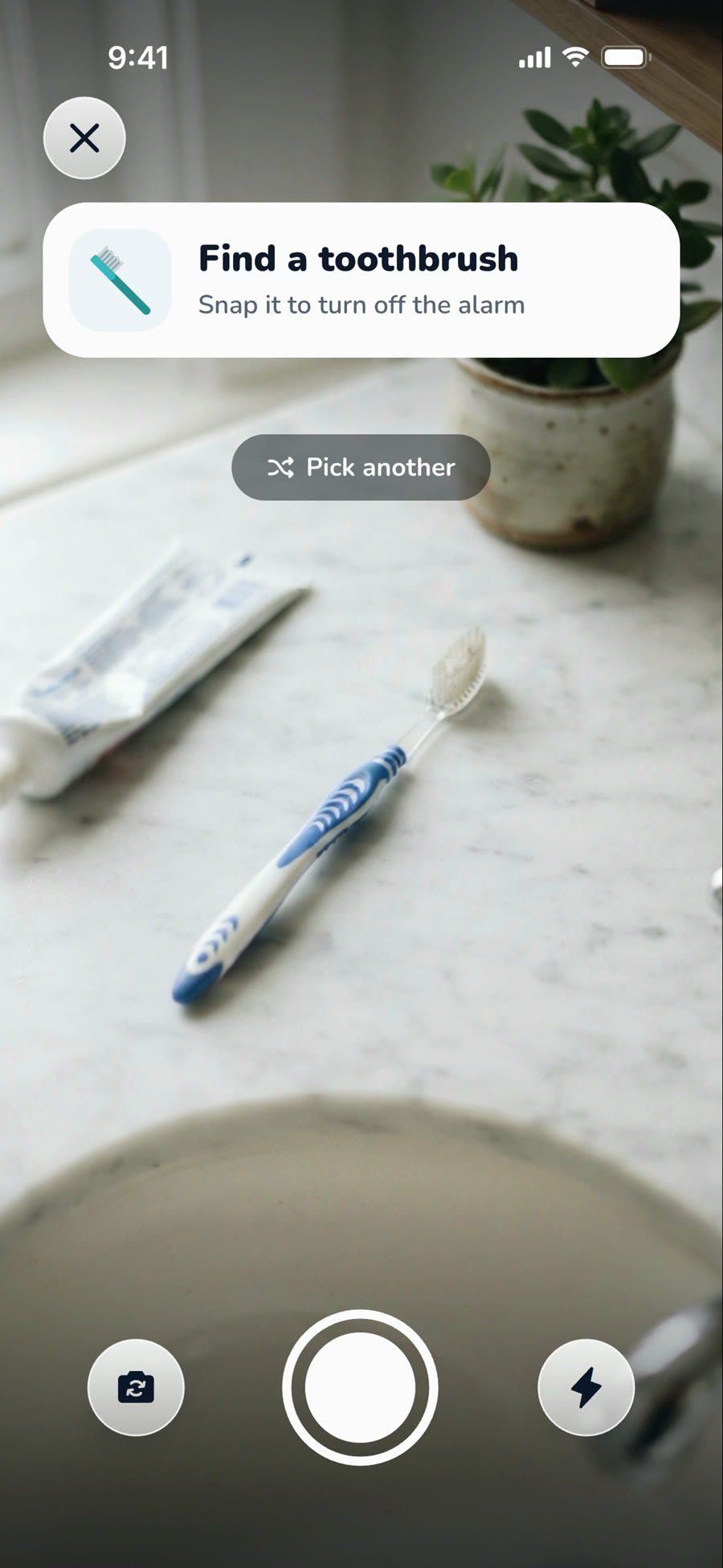
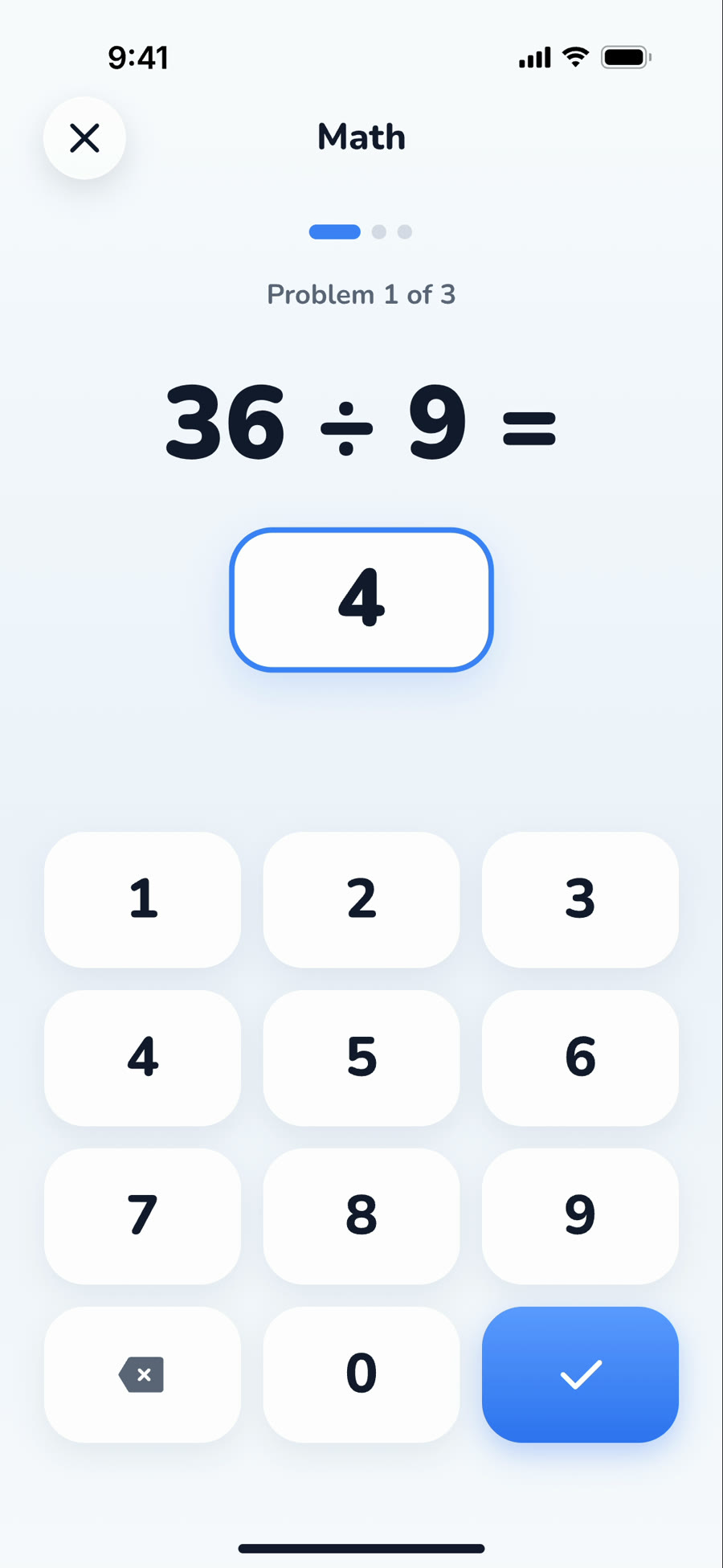
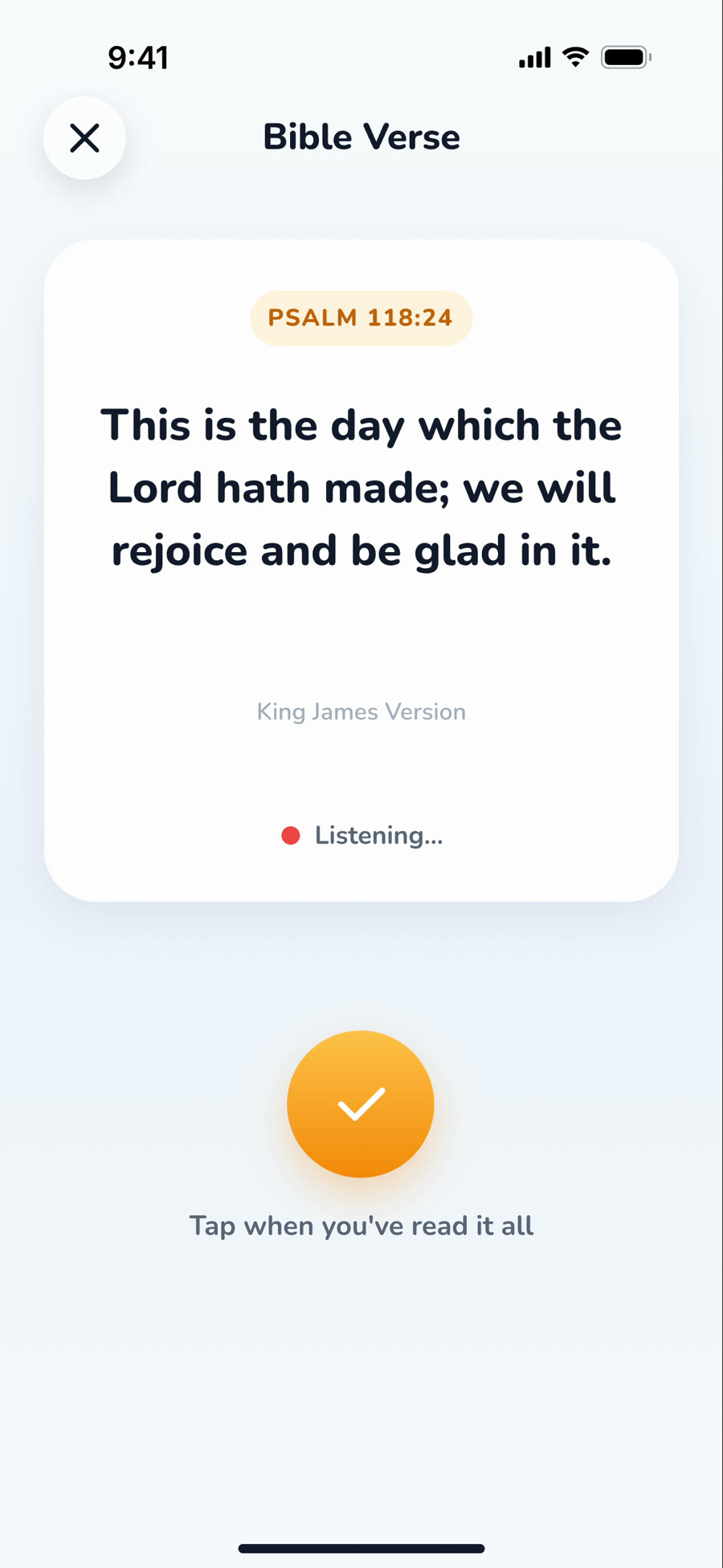
Snoozing is easy because it asks almost nothing of you. Half asleep, your thumb finds the button and you are back under the covers.
Wakin turns the moment your alarm rings into one small action that uses your body, your eyes or your brain. Ten squats, a photo of your toothbrush, a math problem. By the time you finish, you are already up.

It keeps ringing until you finish your task
One good morning is easy. Wakin helps you stack them into a habit.
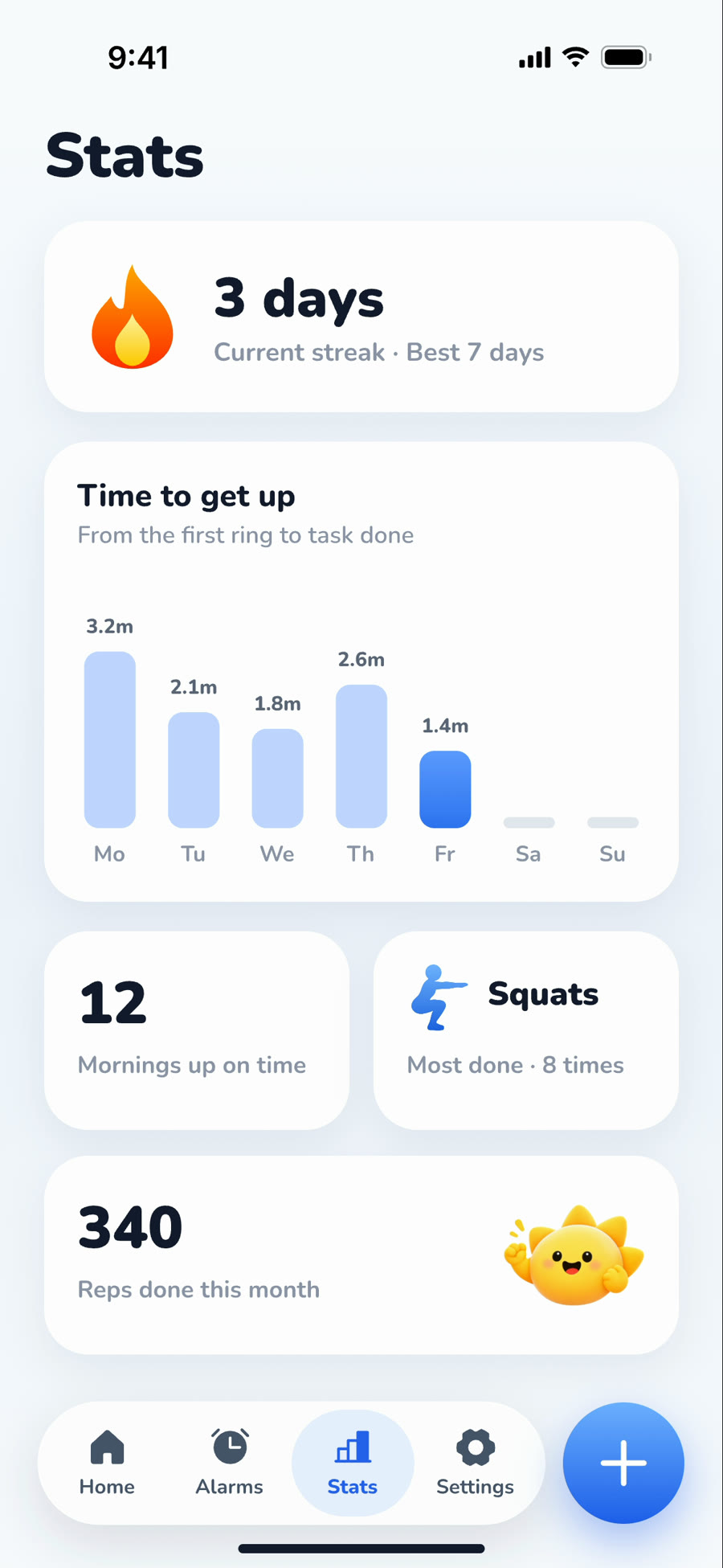
Every morning you win adds to your streak. See how fast you get up and keep it alive.

Built on Apple AlarmKit. Rings through silent mode and Focus, right on the Lock Screen.

The camera counts your reps and checks your photo, so you can't fake it from bed.

Harp, piano and birdsong for gentle mornings. A loud buzzer for heavy sleepers.

No account. Reps, photos and speech are checked on your iPhone and never uploaded.
Can't find your answer? Write to us from Settings → Contact Support in the app.
Set a time and pick a task. When the alarm rings, it keeps going at full volume until you finish the task. There is no snooze button.
Your iPhone checks it. The camera counts reps for workouts, recognises what is in the photo for photo tasks, and speech recognition listens when you read a Bible verse. All of this runs on your iPhone.
Yes. Wakin is built on Apple's AlarmKit, so it rings through silent mode and Focus and shows up on the Lock Screen like a real iPhone alarm.
22 tasks: workouts the camera counts (Push Ups, Squats, Sit Ups, Lunges, High Knees, Jumping Jacks, Dance), photo missions (Object Hunt, Make Your Bed, Drink Water, Touch Grass, Sky Photo, Take Pills, Pet Hunt), brain tasks (Math, Memory, Typing, Quiz), Shake Phone, Bible Verse, Devotional and Random. Bible Verse and Devotional are not available in the U.K. yet.
Pick a task that gets you out of bed, like Object Hunt or Make Your Bed, and a loud sound like the buzzer. You can't turn the alarm off without doing the task.
No account and no sign up. Video, photos and audio are processed on your iPhone while the task runs and are never uploaded. See the Privacy Policy for details.
Download Wakin, pick your first task and make tomorrow morning harder to sleep through.